


Teleprompter
Teleprompter - Free App for Video Creators
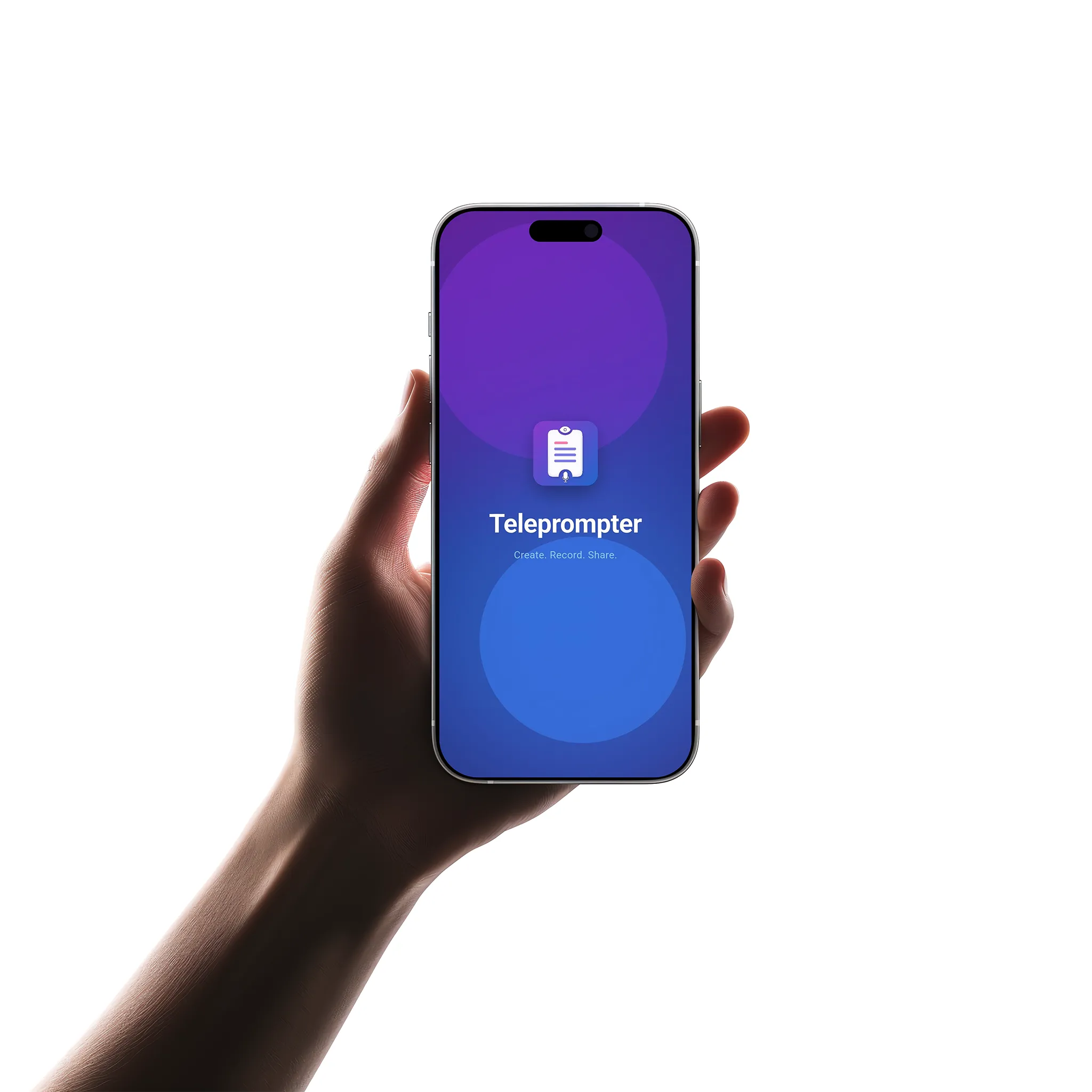
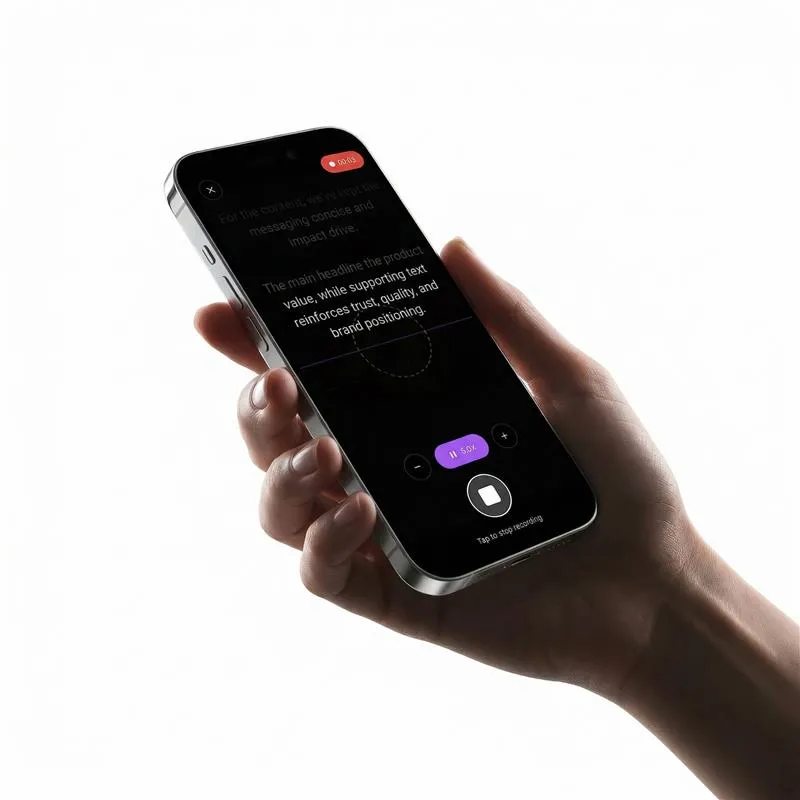
Teleprompter is a simple and easy-to-use app designed for creators who want to record videos without worrying about memorizing scripts. It displays your script as smooth scrolling text on the screen while you record, helping you stay focused and speak naturally.
Whether you're creating YouTube videos, Instagram reels, tutorials, or presentations, the app makes the recording process much more comfortable. You can maintain eye contact with the camera, avoid forgetting lines, and reduce the need for multiple retakes.
It’s especially helpful for beginners as well as professionals who want a more confident and smooth recording experience without adding any complexity to their workflow.
Products Available
To Download & Use
Avg. User Rating
Record Videos Without Memorizing Scripts
Creators often struggle to remember scripts while recording. Many creators struggle to deliver content smoothly while trying to recall every line, which often leads to pauses, mistakes, and multiple retakes.
It is also difficult to maintain eye contact with the camera, making the video feel less natural and less engaging.
Teleprompter solves this problem by showing your script as smooth, scrolling text directly on your screen while you record. This allows you to read naturally without breaking your flow or looking away from the camera.
Key Features
Everything you need to record professional, script-based videos all in one simple, free app.
View your script in real time while capturing your video. Display scrolling text over your camera preview so you never lose your place.
Customize the display based on your comfort and pace. Set the text size, scrolling speed, and reading position to match your natural speaking rhythm.
Works well with external teleprompter setups. Mirror mode flips the text horizontally so it reads correctly when reflected off a teleprompter glass.
Store your scripts and use them whenever needed. Build a library of your most-used content so you can start recording instantly without retyping.
Start using the app instantly without any signup. No account creation, no email verification just open the app, paste your script, and start recording.
All features available without any cost. No premium tier, no hidden charges, no subscription every feature is completely free for all users.
Target Users
Teleprompter is designed for anyone who records talking videos and wants a smoother, more professional recording experience.
Record scripted videos without memorizing, maintaining natural delivery and eye contact.
Create short-form content quickly with pre-written scripts for consistent messaging.
Deliver structured lessons and tutorials with accuracy without missing important points.
Record course modules with prepared scripts for clear, professional-quality instruction.
Practice speeches, rehearse presentations, and record practice sessions with script guidance.
Whether a beginner or professional, this app helps anyone get confident, smooth video recordings.
How It Works
Three simple steps to start recording professional, script-guided videos no learning curve, no complexity.
Add your content directly into the app or paste it from anywhere a document, notes app, or clipboard. Your script is ready in seconds.
Customize settings for your perfect reading experience. Set the text size large enough to read comfortably and adjust the scrolling speed to match your natural speaking pace.
Speak confidently with your script always visible. The text scrolls smoothly on screen while you record maintain eye contact, stay on track, and reduce retakes.
APP PREVIEW
A quick look at how the Teleprompter app works from writing your script to recording your video.

Write or paste your script into the editor

Adjust scroll speed, text size, and preferences

Read naturally from the scrolling script while recording
BENEFITS
Here is why creators and professionals choose our teleprompter over memorizing scripts or using notes.
01
Stop spending time memorizing lines. Your script is always on screen just read and record naturally.
02
Get it right in fewer takes. No more forgetting lines mid-sentence and starting over from the beginning.
03
With your script visible, you can focus on your delivery, tone, and expression instead of worrying about what to say next.
04
The script scrolls near the camera, helping you look directly at your audience instead of looking down at notes.
05
Fewer pauses, fewer filler words, and better structure your videos will look and sound more professional.
06
Simple enough for someone recording their first video, powerful enough for experienced creators with complex scripts.
FAQ
Yes. The Teleprompter app is completely free to download and use. All features, including script editing, adjustable scroll speed, text size customization, mirror mode, and script saving, are available at no cost. There is no premium tier, no subscription, and no hidden charges.
Download Now
Teleprompter is free and easy to use. No login required. Download now and start creating professional videos today.
Receive updates, insights, and useful tech information directly in your email.